Capture Conference Contacts in WhatsApp — No New App
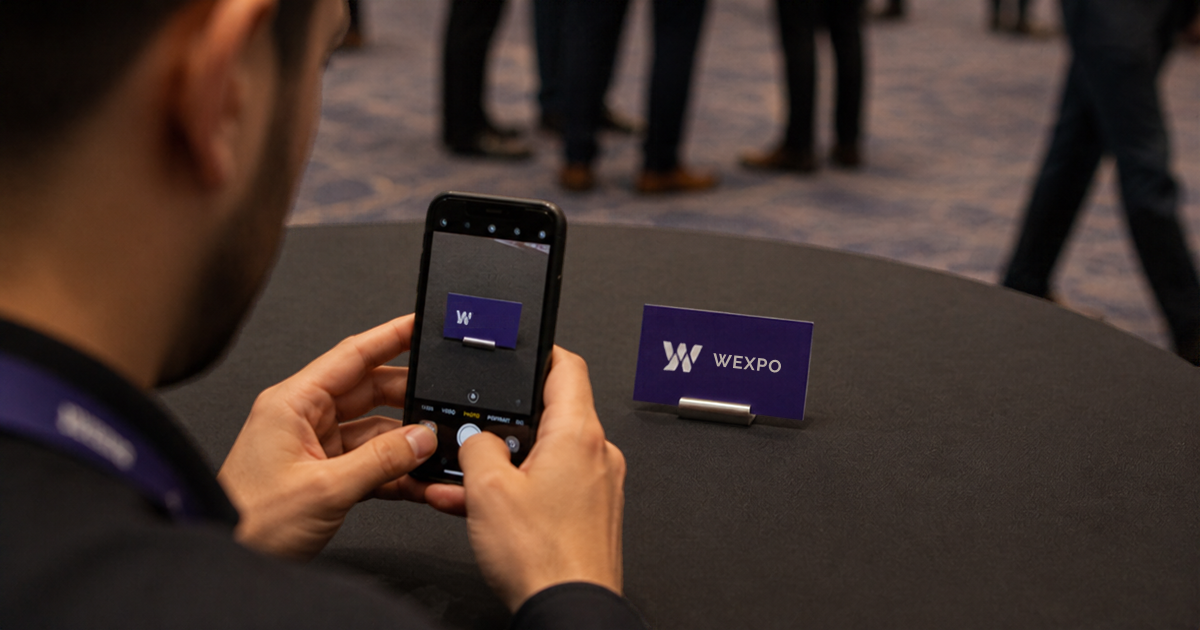
The last hour of a conference is a capture disaster with a dress code. Pockets full of cards, a camera roll of other people's badges, and three conversations you're certain you'll remember. You won't. The fix isn't discipline or a new app — the networking tool that gets used is the one already open on your phone. Capture conference contacts in WhatsApp, send them to ActionNotes, and the follow-up list assembles itself while you're still on the floor.
Why Show-Floor Capture Falls Apart

Every conference-goer knows the lifecycle of a business card: pocket at the booth, jeans at the hotel, laundry sometime next Tuesday. The card carries a name and an email and none of what made the conversation worth having — the objection the prospect raised, the intro they offered to make, the exact product area they asked about twice.
The standard advice is "log them into the CRM that evening." Evenings at conferences have agendas: client dinner, team debrief, jet lag. By the time the laptop opens, the conversations have melted into each other, and the note that gets typed is "met at conference, seemed interested." That note can't power a follow-up anyone would answer.
Capture Conference Contacts in WhatsApp — the Whole Setup

ActionNotes works over WhatsApp alongside the web app, which is the part that matters on a show floor, where nobody opens a laptop and nobody installs software between sessions. Save the ActionNotes number once. After each conversation, send three things to it, right there in the hallway:
- A photo of the business card — OCR pulls out name, email, phone, company, and title, and LinkedIn enrichment on paid plans fills in the rest
- A thirty-second voice note — what you discussed, what you promised, why this one mattered; the transcription runs automatically
- A photo of the one-pager — the spec sheet, the brochure, the napkin diagram someone drew while explaining their architecture
No app download, no account to create on the floor, no typing. The card goes in your pocket afterward if you want it for nostalgia; the contact is already better than the card.
What Comes Back While You're Still on the Floor

The processing happens in real time, which changes what the evening looks like. Each capture comes back organized: a structured contact with the meeting's context attached, a summary of what was said, the action items you took on, the commitments the other person made. Leads get prioritized so the follow-up order isn't a guess, and contact profiles carry relationship scores built from the history as it accumulates.
That reprioritization is the quiet superpower. The famous keynote speaker you chased turns out to score lower than the quiet operations manager who asked detailed questions about deployment — because the record says so, not because your gut did. When you open your phone between sessions, you're looking at a ranked list of who moved, not a gallery of card scans.
From Captured to Contacted: Same-Day Follow-Up

This is where capture pays its rent. Because every conversation is recorded as context, ActionNotes drafts follow-up emails that reference what was discussed — the deployment question, the promised introduction, the pricing concern — not "nice to meet you at [conference name]." You review, personalize, and send them the same day, while the other person still remembers your face and the hallway you stood in.
The same-day bar matters because conference memory is a shared, decaying asset: yours fades and so does theirs. The 48-hour window that decides your pipeline is where most opportunities quietly close, and a follow-up that cites the real conversation is the rare one that gets answered. Then close the day with the End of Day report — an executive summary of who you met, prioritized action items, and the commitments on both sides — and tomorrow's targets are set before dinner instead of reconstructed next week. What to do with 40 conference contacts walks the triage in detail.
No New App Is the Point

Every "conference networking app" asks you to solve the same problem it creates: download something, register something, learn something, at the exact hour you have the least capacity for any of it. Adoption dies on that step, and the pipeline dies with the adoption. WhatsApp has no step. It's in your thumb's muscle memory, it works with one hand while holding a coffee, and the messages you send land somewhere structured instead of somewhere lost.
The web app covers desk time — reviewing the End of Day report, working the follow-up queue, and deciding which conversations become this week's pipeline. Everything starts free, with no credit card, so the honest test costs nothing: run your next conference through WhatsApp capture and compare the follow-up list to what you would have produced from a pocket of cards. Why follow-up, not networking, is the hard part is the short version of why this comparison usually isn't close.
Frequently Asked Questions
How do I capture conference contacts without an app?
Send them to ActionNotes over WhatsApp: a photo of the card, a short voice note about the conversation, and a photo of any material they handed you. The number is saved once, and everything after that is a normal message. If you prefer a screen, the web app does the same capture from a laptop at the end of a session.
Can you scan business cards through WhatsApp?
Yes — photograph the card and send it to your ActionNotes number in WhatsApp. OCR turns the image into a structured contact: name, email, phone, company, and title, saved with the context of when and where you met. On paid plans, LinkedIn enrichment adds the person's role history automatically.
What should you record after each conference conversation?
Three things, in about thirty seconds: who they are and what they do, what you discussed in specifics, and any commitment either side made — an intro, a demo, a follow-up date. The specifics are what make a same-day follow-up feel personal rather than templated, and commitments are what turn a conversation into pipeline.
Capture your next conference in WhatsApp and fly home with a follow-up list instead of a pocket of cards — get started free, no credit card needed.
Your Network, Already Organized
Start free with ActionNotes and turn hallway conversations into organized contacts and same-day follow-ups — no credit card required.
Get Started Free